Loom review
Bottom line
Loom is the fastest way to replace a meeting with a video: hit record, talk over your screen, and the link is ready before you have finished. Viewer analytics, comments and transcripts make it more than a screen recorder, and the AI tier's titles, summaries and filler-word removal are useful rather than gimmicks. The free plan is tight (25 videos, five minutes each) and the Business price per user is high for a whole company, so most teams license the people who record and let everyone else watch free.
What is Loom?
Loom records your screen, your camera bubble or both, then hands you a link the moment you stop. Viewers can comment, react and watch at 2x, and you can see who watched and how far they got. The free Starter plan allows 25 videos of up to five minutes each; Business removes the limits and adds editing, branding and uploads, and Business + AI adds auto-generated titles, summaries, chapters and filler-word removal. Since the Atlassian acquisition it plugs into Jira and Confluence directly. It is the default choice for async updates, bug reports, sales walk-throughs and customer onboarding videos.
Who it's for
- Remote and hybrid teams replacing status meetings with async updates
- Support, success and sales teams sending personalised walkthroughs
- Product and engineering teams reporting bugs and demoing features with narration
Who should look elsewhere
- Anyone recording longer than five minutes on the free plan
- Companies that need every employee licensed; per-user pricing adds up
- Teams that need a full video editor; trimming and stitching is the limit
Typical uses
- Async updates and walkthroughs instead of meetings
- Customer onboarding and support videos with a share link
- Bug reports with screen, voice and camera
- Sales outreach videos with viewer notifications
Key features, tested
Instant recording and sharing
Record screen, camera or both from the browser extension or desktop app; the link is live the moment you stop and viewers need no account. Recordings upload while you talk, so there is no waiting.
Viewer insights and comments
See who watched, how far they got and where they dropped off, with time-stamped comments and emoji reactions on the video. Business adds exportable engagement data.
Editing and branding
Trim, stitch, add call-to-action buttons, custom thumbnails and links inside the video; remove Loom branding and add your logo on Business. Edit-by-transcript on the AI tier deletes words to cut video.
Loom AI
Automatic titles, summaries, chapters and tasks, filler-word and silence removal, and meeting notes and recaps for recorded meetings. It noticeably cuts the time spent polishing a recording before sending.
Atlassian integration
Since the acquisition, Loom records from inside Jira and Confluence, and Enterprise customers manage users through Atlassian Guard for SSO and SCIM.
Screenshots
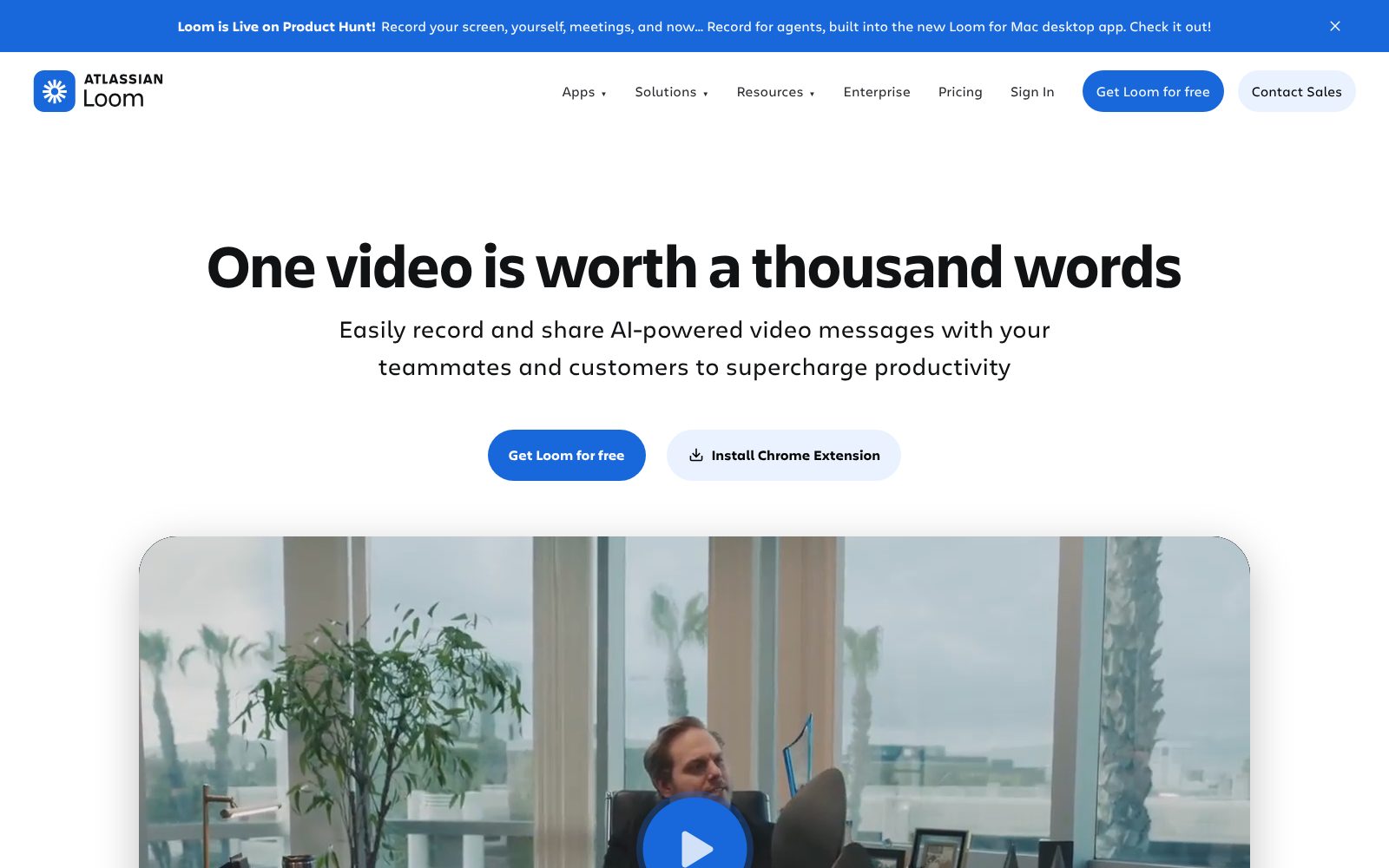
Loom pricing 2026
Starter
Up to 50 members, 25 videos per person, 5-minute recordings, 720p.
- 25 videos per person
- 5 minutes per recording
- Unlimited meeting recordings
- Transcripts in 50+ languages
- Comments and reactions
Business
Unlimited videos and length, 4K, editing, branding, uploads.
- Unlimited videos and recording time
- Trim, stitch and custom thumbnails
- Remove Loom branding
- Engagement insights
- Password-protected videos
Business + AI
Adds auto titles, summaries, chapters, filler-word removal and workflows.
- Auto titles, summaries and chapters
- Filler and silence removal
- Edit by transcript
- Auto meeting notes and recaps
- Admin insights
Enterprise
SSO/SCIM via Atlassian Guard, Salesforce integration, SLA.
- SSO and SCIM
- Salesforce integration
- 99.95% uptime SLA
- Custom data retention
- Dedicated support
What the sticker price leaves out. Annual billing saves about 17%. Creator Lite members (viewers who can record only short clips) are free on Starter and Business, so only active recorders need paid seats. Plans bought through Atlassian.com use user tiers and differ slightly from Loom.com plans.
Screen Recording feature checklist 8 of 8
The features buyers in this category ask for most, and whether Loom includes them on a plan you can actually buy. Percentages show how many screen recording buyers call each one essential.
Loom integrations 15 listed
Apps Loom connects to, as published by the vendor and checked by us. Native integrations sync directly; others go through a connector such as Zapier or webhooks. Click a logo to read our review of that product.
Loom has a public API, so apps not listed here can usually be connected with a developer or a no-code automation tool.
Deployment, support and company details
Deployment
- Chrome extension
- Mac app
- Windows app
- iOS app
- Android app
- Web
Platforms
- Web
- Mac
- Windows
- iOS
- Android
- Chrome
- App Store ↗
- Google Play ↗
Support
- Email (paid plans)
- Priority support (Business+)
- Help center
- Dedicated account manager (Enterprise)
Training
- Documentation
- Loom Academy videos
- Onboarding and education (Enterprise)
Typical customers
- Freelancers
- Small businesses
- Mid-size companies
- Enterprises
Industries
- SaaS and technology
- Marketing agencies
- Customer support
- Education
- Sales teams
- Design
Languages
- English (UI)
- Transcripts in 50+ languages
Security & compliance
- SOC 2 Type II
- GDPR
- SSO and SCIM (Enterprise via Atlassian Guard)
- Password-protected videos (Business+)
- Custom data retention (Business + AI)
Buying details
- Monthly
- Annual (save 17%)
- Cancel anytime
- Typical setup: Minutes
- Public API: Yes
Vendor
- Founded 2015
- San Francisco, CA
- 200+ employees
- Atlassian
- loom.com ↗
Loom pros and cons
Pros
- Fastest record-to-share workflow on the market; the link is ready before you finish
- Viewer analytics and comments show whether anyone actually watched
- Free plan is enough for occasional use
Cons
- Free plan caps recordings at 5 minutes and 25 videos
- Business is $18/user/month billed monthly, pricey for a whole company
- The best AI features are on the higher Business + AI tier
Loom user reviews
No published reviews yet. Be the first.
Loom alternatives and comparisons
Loom is the only screen recording product we have tested so far. Browse the category as more are added.
Loom FAQ
Is Loom free?
Yes. The Starter plan is free for up to 50 members with 25 videos per person, five-minute screen recordings and 720p quality. Business removes those limits at $18 per user per month ($15 billed annually).
Does Loom have a time limit?
On the free plan, screen recordings are capped at five minutes (meeting recordings are unlimited). Paid plans have no recording length limit.
Loom or Zoom Clips?
Zoom Clips is included with Zoom plans and is fine for occasional recordings. Loom is faster, has stronger viewer analytics, comments and AI editing, and its share links are more polished for external viewers.
Can viewers watch Loom videos without an account?
Yes. Anyone with the link can watch; you can require email to view or set a password on Business plans.
How much does Loom cost?
Loom has a free plan and paid plans start at $18/user/mo. Plans: Starter (Free), Business ($18, /user/mo ($15 billed annually)), Business + AI ($24, /user/mo ($20 billed annually)), Enterprise (Custom). 14-day trial available.
Related categories
How we reviewed Loom
We score every product on four weighted criteria: ease of use (25%), features (30%), value (25%) and support (20%), from hands-on testing of the plans buyers can actually purchase, the vendor's published pricing and documentation, and verified user reviews. Vendors cannot pay for a higher score or a better rank; paid placements are labelled. This review was last updated on October 31, 2026. Read the full methodology.