Home / Video ConferencingBest Software Reviewed may earn a referral fee when you click Visit website. It never affects scores.
Best Video Conferencing Software of 2026
Updated Oct 31, 2026Written by Best Software Reviewed research teamReviewed by Category editor0 verified reviews
Meetings, webinars and team calls. We tested every product below, scored it on ease, features, value and support, and ranked it by BSR score. Sponsored placements are labeled and sit outside the ranking.
Best for customer-facing meetings where the other side may not be on the same platformFree planWeb · Mac · Windows · iOS · Android · Linux
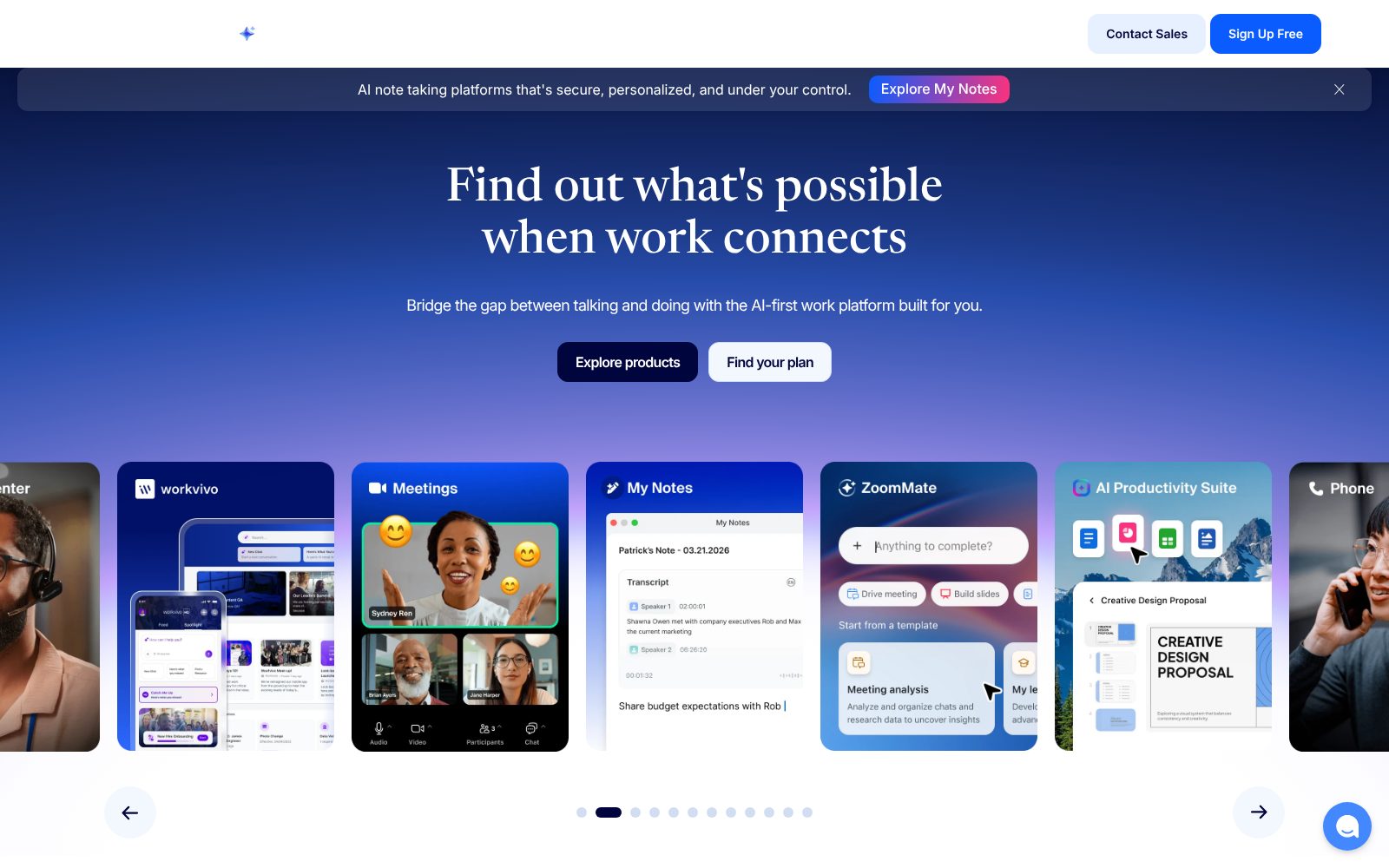
Zoom is the meeting tool most people outside your company already have installed, which is still its biggest advantage. The free Basic plan allows meetings up to 40 minutes with 100 participants; Pro removes the time limit and adds cloud recording, and Business adds larger meetings, SSO and managed domains… Read more
Best for organizations already on Microsoft 365 that want meetings, chat and files in one placeFree planWeb · Mac · Windows · iOS · Android
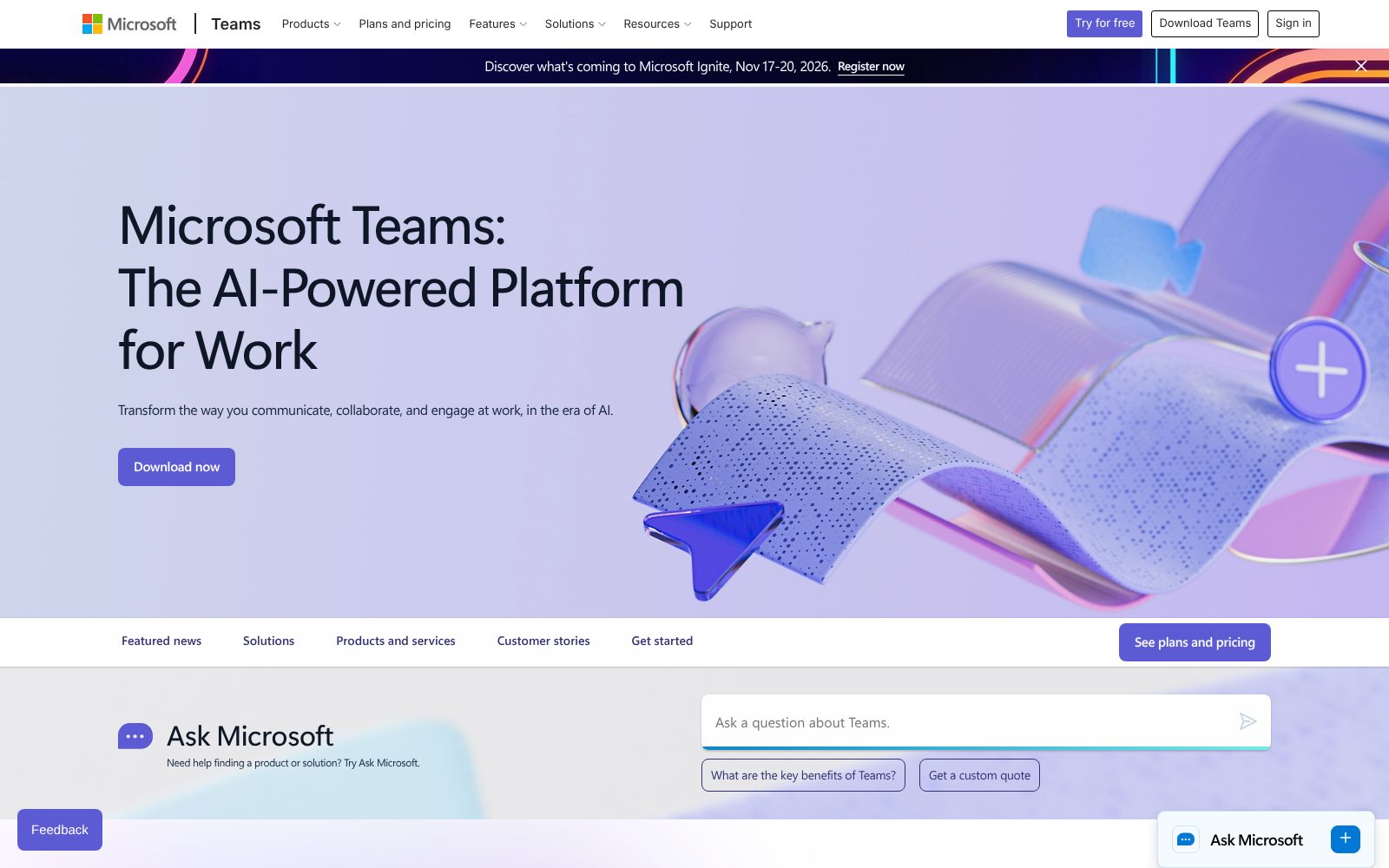
Teams is the meeting and chat hub inside Microsoft 365. If your company already pays for Business Basic or Standard, Teams is included and tied to Outlook calendars, SharePoint files and Entra ID security; that integration is the reason most organizations pick it… Read more
Zoom has the highest BSR score in Video Conferencing (Ease 9.1). Reliable call quality and the lowest friction for external guests.
Who should use it
Best for customer-facing meetings where the other side may not be on the same platform, especially 1–1,000+-person teams. 40-minute cap on free meetings, so check that before you commit.
Pros
Reliable call quality and the lowest friction for external guests
AI Companion summaries and action items are included on paid plans
Rich ecosystem of integrations, hardware and apps
Cons
40-minute cap on free meetings
Webinars, phone and large meetings are all separate paid add-ons
Team chat and docs are weaker than Slack or Teams if you want one app for everything
Microsoft Teams has the highest Value subscore in Video Conferencing (Features 9.0). Included with most Microsoft 365 business plans; Essentials is only $4/user/month.
Who should use it
Best for organizations already on Microsoft 365 that want meetings, chat and files in one place, especially 1–10,000+-person teams. Heavier and slower than Zoom or Slack, especially on older hardware, so check that before you commit.
Pros
Included with most Microsoft 365 business plans; Essentials is only $4/user/month
Deep ties to Outlook, SharePoint, OneDrive and Entra ID security
Channels, files and meetings in one app reduce tool sprawl
Cons
Heavier and slower than Zoom or Slack, especially on older hardware
Copilot meeting summaries, webinars and phone need extra licenses
External guests on other platforms often struggle with the join flow
How we rank Video Conferencing software. Scores blend hands-on testing by our team with 0 verified user reviews from the last 24 months, weighted Ease 25%, Features 30%, Value 25%, Support 20%. See the full methodology.
Video Conferencing software helps you meetings, webinars and team calls. The products in this category range from free tools for one person to platforms built for thousands of users, so the right choice depends more on your team size and must-have features than on the overall score.
Features buyers say matter most
HD video meetings96%
Screen sharing92%
Meeting recording81%
Calendar integration78%
Team chat67%
Share of reviewers who rated the feature important or essential.
How much does it cost?
Starting prices in this category run from $4/user/mo to $14.16/user/mo. 2 of 2 products offer a free plan. Watch for per-user pricing, annual-contract discounts and add-ons priced separately.
How to choose
Pick your three must-have features and filter the list by them.
Shortlist the top two or three and compare them side by side.
Run the free trial with your real data for at least a week.
Check the lowest-rated subscore of your finalist. That is where the complaints will come from.
Video Conferencing FAQs
What is the best video conferencing software?
Zoom has the highest BSR score (85) this month, followed by Microsoft Teams (83). The best choice for you depends on team size and the features you filter for.
Is there free video conferencing software?
Zoom, Microsoft Teams offer a free plan. Free plans usually cap users, contacts or features, so check the limits before you build a process on one.
How are products scored?
Each product gets four subscores (Ease, Features, Value, Support) from hands-on testing and verified reviews. The BSR score is a weighted average on a 100-point scale. Sponsored placements are labeled and never change a score.
Which video conferencing software is easiest to use?
Zoom has the highest Ease subscore at 9.1. AI Companion summaries and action items are included on paid plans.