Xero review
Bottom line
Xero is the accounting platform we recommend to owners who want unlimited users and a cleaner interface than QuickBooks, and who don't need the deepest US-specific ecosystem. Bank reconciliation is the best in class, the dashboards are readable without an accountant, and every plan includes unlimited seats. The trade-offs are the invoice cap on the Early plan, support that is ticket-only, and payroll that is an add-on through Gusto.
What is Xero?
Xero is cloud accounting software with bank reconciliation at its core. Every plan includes unlimited users, which suits businesses that want the owner, bookkeeper and accountant all in the file. Invoicing, bills, receipt capture via Hubdoc, projects and inventory are built in, and US payroll runs through its Gusto integration.
Who it's for
- Businesses with several people who need to be in the books (owner, office manager, bookkeeper, partner)
- Owners who want to understand their numbers from a dashboard rather than a report pack
- Agencies, consultancies and trades that bill by project and want time and cost tracking
Who should look elsewhere
- Very new businesses sending more than 20 invoices a month; the Early plan cap pushes you to Growing fast
- Businesses that want to pick up the phone for support
- US companies whose accountant only works in QuickBooks
Typical uses
- Daily bank reconciliation with rules and auto-matching
- Quotes to invoices to online payment for service businesses
- Project profitability tracking for consultants and contractors
- Multi-currency sales for businesses with overseas customers
Key features, tested
Bank reconciliation
Xero's reconciliation screen is the reason many bookkeepers prefer it: suggested matches, bank rules, cash coding for bulk work and a clean audit trail. On Growing and above, auto-reconcile handles the routine transactions without you.
Unlimited users on every plan
Unlike QuickBooks, Xero never charges per seat. Owners, staff and your accountant all get logins with role-based permissions, which matters for businesses that want several people entering bills and expenses.
Dashboards and analytics
The home dashboard shows cash in and out, invoices owed and bills due in plain language. Syft-powered analytics add performance dashboards, scorecards and (on Established) industry benchmarks that are unusually readable for an accounting tool.
Invoicing and payments
Quotes, recurring invoices, automatic reminders and online payment through Stripe, PayPal or GoCardless. Tap-to-pay on iPhone and Android lets you take cards in person without a reader.
Projects, expenses and payroll
Established includes project time and cost tracking and employee expense claims. Payroll is Xero Payroll powered by Gusto, from $36/mo plus $6 per person, and files taxes in all 50 states.
Screenshots
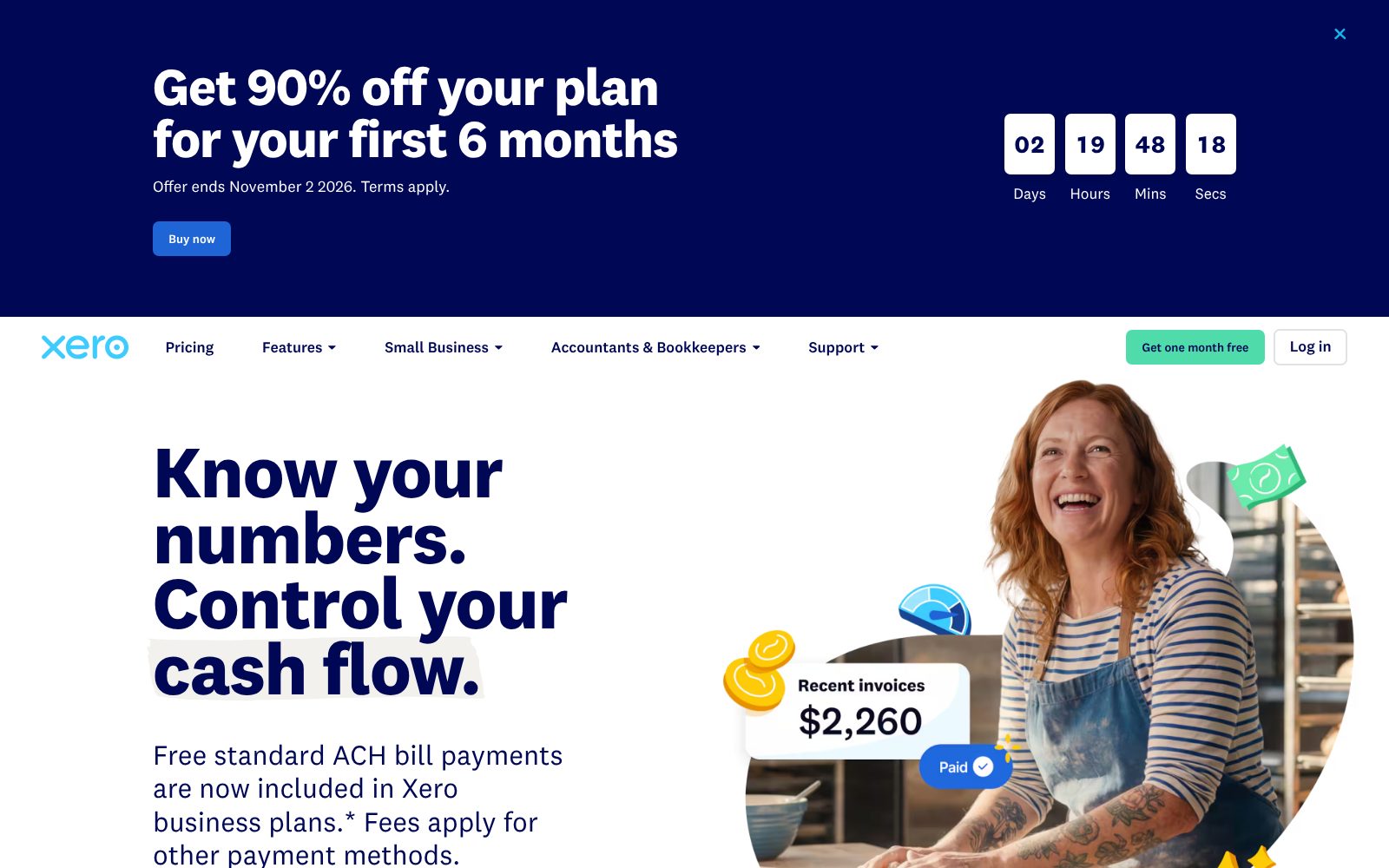
Xero pricing 2026
Early
For new businesses with light volume. Unlimited users.
- 20 invoices and 5 bills per month
- Bank reconciliation
- Online invoice payments
- 30-day cash flow forecast
- Unlimited users
Growing
Unlimited invoices and bills, dashboards and budgets.
- Unlimited invoices and bills
- Auto-reconcile transactions
- Performance dashboards
- 3 budgets
- 60-day forecast
Established
Multi-currency, projects, expenses and advanced analytics.
- Multi-currency
- Project time and cost tracking
- Employee expense claims
- KPIs and industry benchmarks
- 180-day forecast
What the sticker price leaves out. Introductory discounts (often 90% off for the first six months) make the first bills very low; the regular price kicks in afterward. The Early plan's 20-invoice and 5-bill cap is the main gotcha. Payroll, Inventory Plus and auto-reconcile on Early are add-ons, and online payment processing fees apply.
Starting price is 29% below the category median for Accounting tools we list (median $38/mo). Prices checked October 31, 2026; confirm on the vendor's pricing page before buying.
Accounting feature checklist 8 of 8
The features buyers in this category ask for most, and whether Xero includes them on a plan you can actually buy. Percentages show how many accounting buyers call each one essential.
Integrations, deployment and support
Integrations
Deployment
- Cloud / SaaS
- iOS app
- Android app
Support
- 24/7 online support (ticket)
- Help center (Xero Central)
- Xero Coach onboarding (first 90 days)
- No inbound phone line
Training
- Xero Central guides
- Video tutorials
- Live webinars
- Xero Advisor certification
- Free onboarding calls
Platforms
- Web
- iOS
- Android
Xero pros and cons
Pros
- Unlimited users on all plans
- Clean, modern interface with fast bank reconciliation
- Large app marketplace
Cons
- Entry plan caps invoices and bills per month
- Support is email-based with no phone line
- US payroll relies on a third-party integration
Xero user reviews
No published reviews yet. Be the first.
Xero alternatives and comparisons
Best for US small businesses whose accountant already uses it
$38/mo · 30-day trial
Xero FAQ
Is Xero cheaper than QuickBooks Online?
At the entry level Xero's Early plan ($27) is cheaper than QuickBooks Simple Start ($38) and includes unlimited users, but it caps invoices at 20 a month. For a business with several users, Xero's Growing plan ($59) is usually cheaper than the equivalent QuickBooks tier.
Does Xero have payroll in the US?
Yes, through Xero Payroll powered by Gusto, available as an add-on on every plan at $36 a month plus $6 per employee or contractor. It files federal and state payroll taxes.
Does Xero offer phone support?
Not as an inbound line. Support is 24/7 by online ticket, and Xero will call you back when needed. New customers get a free Xero Coach for the first 90 days.
Can I switch from QuickBooks to Xero?
Yes. Xero offers a free conversion service that migrates your chart of accounts, contacts, invoices and bills, and its onboarding specialists help with bank connections.
How much does Xero cost?
Xero paid plans start at $27/mo. Plans: Early ($27, /mo), Growing ($59, /mo), Established ($97, /mo). 30-day trial available.
Is there a free version of Xero?
No. Xero has no free plan, but offers a 30-day trial so you can test it before paying.
What are the best alternatives to Xero?
In Accounting, the closest alternatives we rate are QuickBooks Online (79/100). See the full list of Xero alternatives for a side-by-side comparison.
How we reviewed Xero
We score every product on four weighted criteria: ease of use (25%), features (30%), value (25%) and support (20%), from hands-on testing of the plans buyers can actually purchase, the vendor's published pricing and documentation, and verified user reviews. Vendors cannot pay for a higher score or a better rank; paid placements are labelled. This review was last updated on October 31, 2026. Read the full methodology.