QuickBooks Online review
Bottom line
QuickBooks Online is the default choice for US small businesses because every accountant, bank and app already speaks it. It is not the cheapest or the cleanest accounting tool, and the plan ladder pushes you up quickly once you need inventory or more than three users, but the ecosystem advantage is real: payroll, payments, tax and your CPA all plug in without friction.
What is QuickBooks Online?
QuickBooks Online is Intuit's cloud accounting product for small businesses. It handles invoicing, expenses, bank feeds, sales tax and reporting, with payroll, payments and time tracking available as add-ons. Its biggest practical advantage is that nearly every US bookkeeper and accountant knows it.
Who it's for
- US businesses whose accountant or bookkeeper already works in QuickBooks
- Service and product businesses that want payroll, payments and bookkeeping from one vendor
- Owners who need an app for everything (field service, ecommerce, CRM) to sync their books automatically
Who should look elsewhere
- Solo operators on a tight budget; Xero or Wave cover the basics for less
- Companies outside the US, where local tax and bank support is thinner
- Teams that need more than three users but don't need inventory; the jump to Plus is steep
Typical uses
- Monthly bookkeeping with bank-feed reconciliation and CPA access
- Invoicing with card and ACH payment collection
- Running payroll and contractor 1099s from the same ledger
- Tracking job or project profitability for contractors
Key features, tested
Bank feeds and reconciliation
Connects to nearly every US bank and card, auto-categorises transactions with rules you can refine, and flags duplicates. Reconciliation is the smoothest part of the product; month-end for a typical service business takes under an hour once rules are set.
Invoicing and payments
Branded invoices, recurring billing, progress invoicing and estimates that convert to invoices. QuickBooks Payments adds card, ACH and Apple Pay collection with automatic matching, at 2.99% for cards (1% ACH). Reminders and late-fee rules are built in.
Reporting
Over 50 standard reports on Simple Start, rising with each tier. Profit and loss, balance sheet and cash flow are solid; class and location tracking (Plus) is what makes multi-crew or multi-location reporting possible. Custom report builder is Advanced-only.
Payroll and contractors
QuickBooks Payroll (from $50/mo + $6 per employee) runs inside the same account: tax filing, direct deposit and W-2/1099 preparation. It is the most convenient option, though Gusto is cheaper and friendlier if you are willing to sync.
App ecosystem
The largest integration catalog in small-business accounting, over 750 apps. Field service tools, ecommerce platforms and CRMs almost all offer a native QuickBooks sync, which is often the deciding factor.
Screenshots
QuickBooks Online pricing 2026
Simple Start
One user. Invoicing, expenses, bank feeds, basic reports.
- 1 user + accountant
- Income & expense tracking
- Invoices and estimates
- Sales tax
- Mileage tracking
Essentials
Three users. Adds bill management and time tracking.
- 3 users
- Bill pay and management
- Time tracking
- Multi-currency
- Enhanced reports
Plus
Five users. Adds inventory and project profitability.
- 5 users
- Inventory tracking
- Project profitability
- Budgeting
- Class and location tracking
Advanced
25 users. Custom roles, workflows, batch invoicing, dedicated support.
- 25 users
- Custom roles and permissions
- Workflow automation
- Batch invoicing
- Priority Circle support
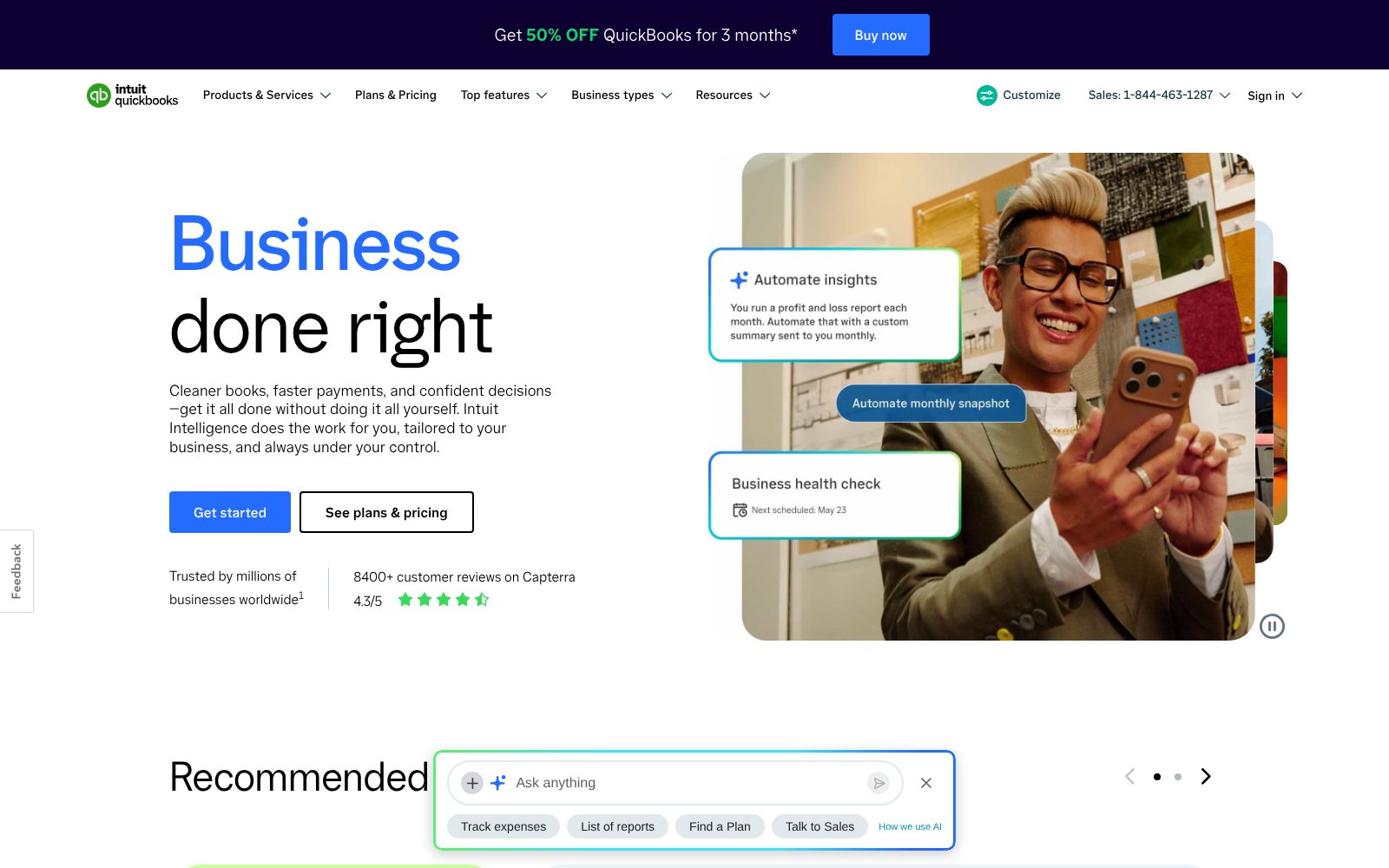
What the sticker price leaves out. Intuit runs near-permanent promotions (typically 50% off for three months), so the first bill is lower than list price. Payroll, Payments processing fees, QuickBooks Time and Live Bookkeeping are all extra. Prices have risen most years; budget for an increase at renewal.
Starting price is about average for Accounting tools we list (median $38/mo). Prices checked October 31, 2026; confirm on the vendor's pricing page before buying.
Accounting feature checklist 8 of 8
The features buyers in this category ask for most, and whether QuickBooks Online includes them on a plan you can actually buy. Percentages show how many accounting buyers call each one essential.
Integrations, deployment and support
Integrations
Deployment
- Cloud / SaaS
- iOS app
- Android app
Support
- Live chat
- Phone (callback)
- Help center
- Community forum
- Priority Circle (Advanced)
Training
- Documentation
- Video tutorials
- Webinars
- ProAdvisor network
- Live onboarding (paid)
Platforms
- Web
- iOS
- Android
QuickBooks Online pros and cons
Pros
- Largest ecosystem of accountants, apps and integrations
- Strong invoicing, bank feeds and reporting
- Payroll, payments and time tracking available in the same account
Cons
- Frequent price increases; plans cost well above most rivals
- User limits on each tier
- Support quality is a common complaint
QuickBooks Online user reviews
No published reviews yet. Be the first.
QuickBooks Online alternatives and comparisons
Best for small businesses that want unlimited users at a flat price
$27/mo · 30-day trial
All QuickBooks Online alternatives · Best accounting software 2026
QuickBooks Online FAQ
Is QuickBooks Online better than QuickBooks Desktop?
For most small businesses, yes. Desktop is being phased out for new customers, and Online gets every new feature first, works from any device and lets your accountant log in directly. Desktop still wins for heavy inventory or manufacturing needs.
Does QuickBooks Online include payroll?
No. Payroll is a separate subscription (Core, Premium or Elite) that adds a monthly base fee plus a per-employee charge. It runs inside the same login and posts to your books automatically.
Can my accountant access my QuickBooks Online account?
Yes. Every plan includes free accountant access on top of the user limit, and most US CPAs and bookkeepers already use QuickBooks Online Accountant.
How many users does each plan allow?
Simple Start allows one user, Essentials three, Plus five and Advanced 25. Accountant seats don't count toward the limit.
How much does QuickBooks Online cost?
QuickBooks Online paid plans start at $38/mo. Plans: Simple Start ($38, /mo), Essentials ($75, /mo), Plus ($115, /mo), Advanced ($275, /mo). 30-day trial available.
Is there a free version of QuickBooks Online?
No. QuickBooks Online has no free plan, but offers a 30-day trial so you can test it before paying.
What are the best alternatives to QuickBooks Online?
In Accounting, the closest alternatives we rate are Xero (82/100). See the full list of QuickBooks Online alternatives for a side-by-side comparison.
How we reviewed QuickBooks Online
We score every product on four weighted criteria: ease of use (25%), features (30%), value (25%) and support (20%), from hands-on testing of the plans buyers can actually purchase, the vendor's published pricing and documentation, and verified user reviews. Vendors cannot pay for a higher score or a better rank; paid placements are labelled. This review was last updated on October 31, 2026. Read the full methodology.