Pipedrive review
Bottom line
Pipedrive is the CRM for teams whose job is to move deals through a pipeline and nothing else. The visual pipeline, activity-based selling and automations are the clearest in the category, and the per-seat price stays reasonable up the ladder. It deliberately leaves marketing and support to add-ons and integrations, so if you want one platform for the whole customer lifecycle, look at HubSpot instead.
What is Pipedrive?
Pipedrive is a sales CRM organized around a drag-and-drop pipeline. Every deal moves through stages you define, activities are scheduled against each deal, and the app nudges reps about what to do next. It is deliberately focused on selling rather than marketing, which keeps it simple and affordable for small teams.
Who it's for
- Small sales teams (2–50 reps) that want a pipeline they will actually keep updated
- Businesses that sell on calls and email and need activity reminders to drive follow-up
- Agencies and consultancies that quote, nurture and close without a marketing department
Who should look elsewhere
- Companies that want marketing automation and a help desk in the same tool
- Teams that need advanced custom objects or complex permission models
- Businesses expecting phone support on the cheaper plans
Typical uses
- Outbound prospecting with email sequences and call tasks
- Quote-to-close for services businesses
- Forecasting monthly revenue from weighted pipelines
- Lead capture from web forms and chat into a routed pipeline
Key features, tested
Visual pipeline
Deals are cards you drag between stages, with rotting indicators when a deal sits too long and a focus on the next activity. Multiple pipelines, custom stages and a kanban-or-list toggle cover most sales processes without configuration.
Activity-based selling
Every deal is expected to have a next step; Pipedrive nags until it does. Calls, emails, meetings and tasks sync to your calendar, and the mobile app makes logging a call from the car realistic.
Automations and sequences
Growth and above include a workflow builder for routine moves (create a task when a deal enters a stage, send an email after a form fill) plus nurture sequences. It is simpler than HubSpot's workflows but covers what a small team needs.
Email sync and tracking
Two-way sync with Gmail, Outlook or any IMAP mailbox, open and click tracking, templates and scheduled sends. Lite users get a lighter one-way sync, which is the main reason to step up to Growth.
Reporting and forecasting
Insights dashboards cover deal conversion, activity volume and revenue forecasting; the AI report creator writes reports from a text prompt. Goals by rep and team are built in.
Screenshots
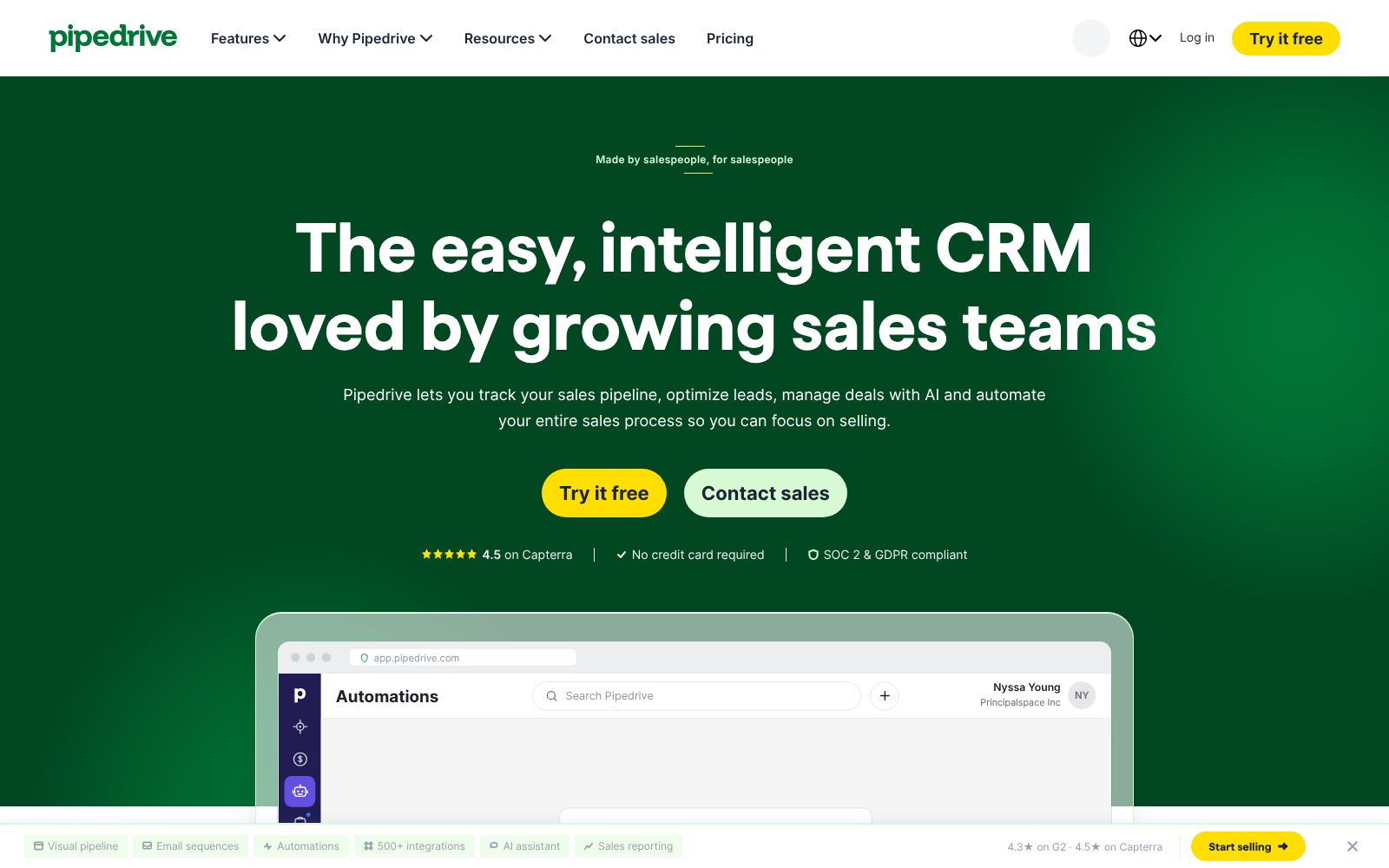
Pipedrive pricing 2026
Lite
Leads, deals, contacts and calendar with AI report creation.
- Pipeline and lead management
- Meeting intelligence (Nova)
- AI report creation
- 500+ integrations
- Open API
Growth
Full email sync, automations, scheduler and forecasts.
- Two-way email sync with tracking
- Automations and nurture sequences
- Meeting scheduler
- Subscriptions and forecast reports
- Contacts timeline
Premium
Lead routing, scoring, team inboxes, contracts and e-signatures.
- Lead generation and routing
- Custom scoring and enrichment
- AI email tools and shared inboxes
- Contracts and e-signatures
- Custom fields and permissions
Ultimate
Security rules, data enrichment, sandbox and extended phone support.
- Security rules and alerts
- Phone and email enrichment
- Sandbox account
- Extended phone support
- Partner discounts
What the sticker price leaves out. Published prices assume annual billing; monthly billing costs roughly 20–30% more. LeadBooster (chatbot, web forms, prospector), Campaigns (email marketing), Projects, Smart Docs and Web Visitors are paid add-ons that can double the bill if you need them all. The 14-day trial requires no card.
Starting price is about average for CRM tools we list (median $15/user/mo). Prices checked October 31, 2026; confirm on the vendor's pricing page before buying.
CRM feature checklist 8 of 8
The features buyers in this category ask for most, and whether Pipedrive includes them on a plan you can actually buy. Percentages show how many crm buyers call each one essential.
Integrations, deployment and support
Integrations
Deployment
- Cloud / SaaS
- iOS app
- Android app
- Gmail and Outlook add-ins
Support
- 24/7 live chat and email
- Phone (Premium and Ultimate)
- Knowledge base
- Community
Training
- Pipedrive Academy
- Documentation
- Webinars
- Free implementation on plans over $400/year
Platforms
- Web
- iOS
- Android
Pipedrive pros and cons
Pros
- Fast setup and an intuitive pipeline view
- Affordable entry price with no seat minimum
- Strong mobile apps and email sync
Cons
- Reporting is limited on the lower tiers
- Marketing features require separate add-ons
- Lead scoring and some automation only on higher plans
Pipedrive user reviews
No published reviews yet. Be the first.
Pipedrive alternatives and comparisons
Best for teams that want CRM, marketing and support in one platform
$15/user/mo · free plan
Pipedrive FAQ
Does Pipedrive have a free plan?
No. Pipedrive offers a 14-day free trial of every plan but no permanent free tier. The Lite plan at $14 per seat per month (billed annually) is the entry point.
Is Pipedrive good for marketing automation?
Pipedrive's Campaigns add-on handles email marketing and the Growth plan includes nurture sequences, but it is not a full marketing automation platform. Teams that need landing pages, lead scoring across channels and attribution usually pair Pipedrive with a marketing tool or choose HubSpot.
Can Pipedrive make and record phone calls?
Yes. The built-in Caller works from the browser on Growth and above with recording, and telephony integrations such as Aircall, JustCall and RingCentral log calls automatically.
What is the difference between Pipedrive Lite and Growth?
Growth adds full two-way email sync with tracking, workflow automations and nurture sequences, the meeting scheduler, and subscription and forecast reports. For most teams it is the first plan that feels complete.
How much does Pipedrive cost?
Pipedrive paid plans start at $14/user/mo. Plans: Lite ($14, /seat/mo, billed annually), Growth ($39, /seat/mo, billed annually), Premium ($59, /seat/mo, billed annually), Ultimate ($79, /seat/mo, billed annually). 14-day trial available.
Is there a free version of Pipedrive?
No. Pipedrive has no free plan, but offers a 14-day trial so you can test it before paying.
What are the best alternatives to Pipedrive?
In CRM, the closest alternatives we rate are HubSpot Sales Hub (84/100). See the full list of Pipedrive alternatives for a side-by-side comparison.
How we reviewed Pipedrive
We score every product on four weighted criteria: ease of use (25%), features (30%), value (25%) and support (20%), from hands-on testing of the plans buyers can actually purchase, the vendor's published pricing and documentation, and verified user reviews. Vendors cannot pay for a higher score or a better rank; paid placements are labelled. This review was last updated on October 31, 2026. Read the full methodology.