Stripe review
Bottom line
Stripe is the default payments platform for online businesses and software products because almost everything integrates with it and the developer experience is unmatched. Invoicing, subscriptions, tax, fraud screening and payouts to third parties sit on one account with no monthly fee. The two things to go in with eyes open about are per-transaction cost at high volume, where a negotiated merchant account can be cheaper, and the risk reviews that can hold payouts for higher-risk categories.
What is Stripe?
Stripe is the payments layer behind a large share of the internet. Businesses use it to accept cards, wallets, bank debits and local payment methods online, and Stripe Terminal extends the same account to in-person sales. Beyond checkout it bundles invoicing, subscription billing, tax calculation, fraud screening (Radar) and payouts to third parties (Connect) under one dashboard and one API. There is no monthly fee; you pay per transaction, with volume pricing available for larger accounts. Non-developers can use the hosted Checkout, Payment Links and the dashboard without writing code, but Stripe is at its best when a developer is wiring it into your own product.
Who it's for
- Online stores, SaaS products and marketplaces that need payments plus billing and payouts
- Businesses whose other tools (CRM, invoicing, field service) already offer a Stripe connection
- Developers who want clean APIs, test modes and documentation
Who should look elsewhere
- High-volume retailers who can negotiate interchange-plus rates with a merchant processor
- Businesses in categories Stripe restricts or reviews heavily (supplements, CBD, travel, adult, some financial services)
- Owners who want a dedicated account manager at small volume
Typical uses
- Checkout and Payment Links for an online store or service
- Recurring subscription billing with dunning and proration
- Invoicing with card and ACH collection
- Marketplace or platform payouts to sellers and contractors via Connect
Key features, tested
Payments and Checkout
Accept cards, Apple Pay, Google Pay, Link, BNPL (Klarna, Affirm, Afterpay) and dozens of local methods through hosted Checkout, embeddable Elements or Payment Links that need no code. Conversion-optimised and PCI handled for you.
Billing and Invoicing
Subscriptions with trials, proration, usage-based pricing and automatic retries, plus invoices with hosted payment pages and reminders. Pricing is 0.7% of billing volume and 0.4% per paid invoice on top of processing.
Radar fraud protection
Machine-learning fraud screening on every charge with customisable rules and 3D Secure, included at standard pricing (Radar for Fraud Teams is an add-on).
Connect for platforms
Onboard sellers, split payments and send payouts to third parties with Stripe handling identity verification and tax forms. This is the feature marketplaces and vertical SaaS products build on.
Terminal and Tap to Pay
Card-present payments with Stripe readers or Tap to Pay on iPhone and Android at 2.7% + 5¢, unified with your online reporting.
Screenshots
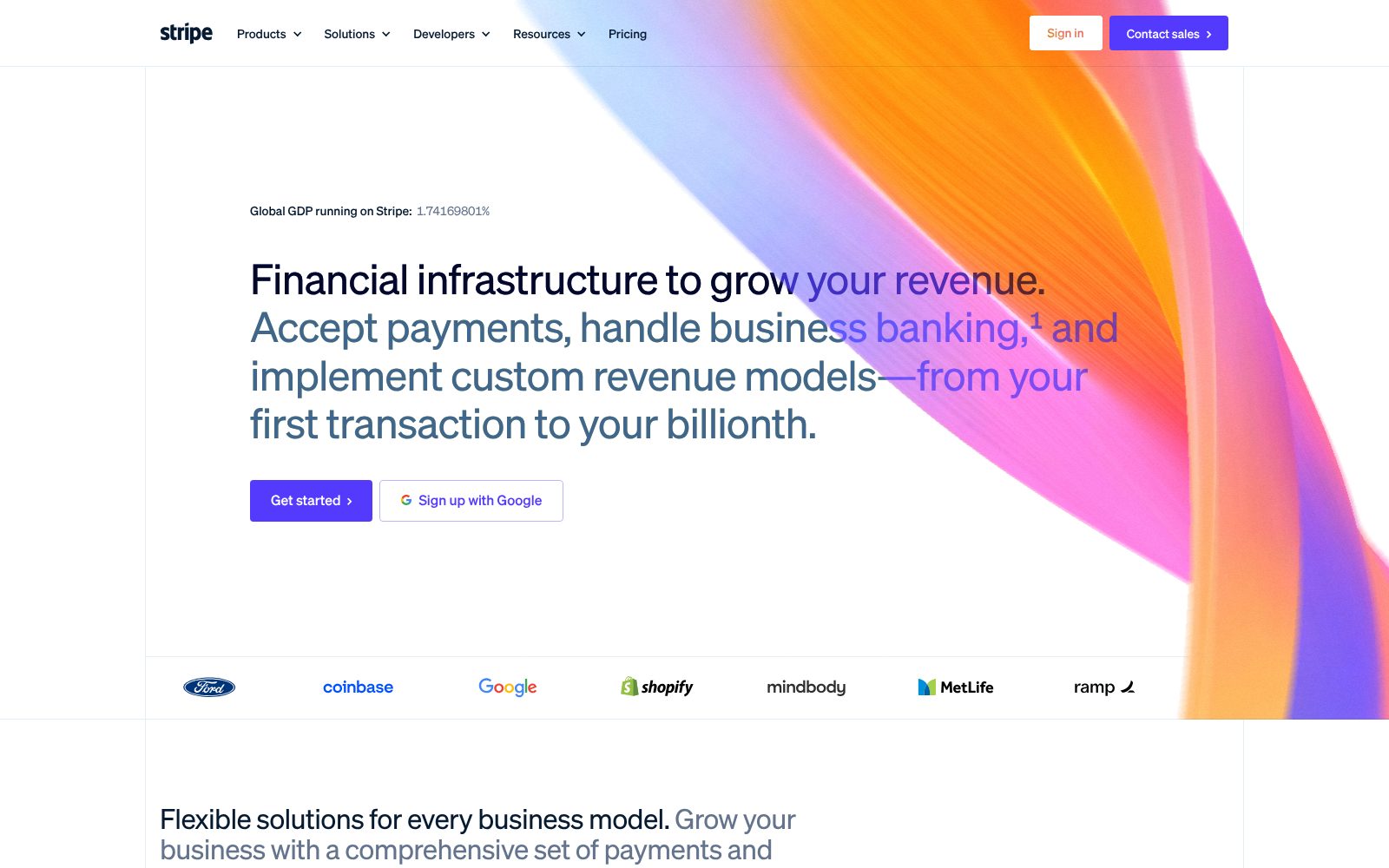
Stripe pricing 2026
Standard
No monthly fee. Pay as you go on every product.
- Online card payments
- Wallets and local methods
- Invoicing (0.4% per paid invoice)
- Billing (0.7% of volume)
- Radar fraud protection
Terminal
In-person payments with Stripe readers or Tap to Pay.
- Card-present pricing
- Readers from $59
- Tap to Pay on iPhone and Android
ACH and bank debits
Lower-cost bank transfers for invoices and subscriptions.
- ACH Direct Debit
- Instant verification
- $5 cap
Custom
Volume pricing for large or complex businesses.
- Interchange-plus pricing
- Volume discounts
- Dedicated support
What the sticker price leaves out. There is no monthly fee, but add-on products carry their own rates: Billing 0.7%, Invoicing 0.4%, Tax 0.5%, Radar for Fraud Teams 7¢ per screened charge, Connect fees per account and payout, and 1.5% for international cards plus 1% for currency conversion. Instant payouts cost 1.5%. Disputes cost $15 each.
Payment Processing feature checklist 8 of 8
The features buyers in this category ask for most, and whether Stripe includes them on a plan you can actually buy. Percentages show how many payment processing buyers call each one essential.
Stripe integrations 23 listed
Apps Stripe connects to, as published by the vendor and checked by us. Native integrations sync directly; others go through a connector such as Zapier or webhooks. Click a logo to read our review of that product.
 Shopify
 Squarespace
Stripe has a public API and a Zapier app, so apps not listed here can usually be connected with a developer or a no-code automation tool.
Deployment, support and company details
Deployment
- Cloud / SaaS
- iOS app
- Android app
- Hosted Checkout and Payment Links
- API and SDKs
Platforms
- Web
- iOS
- Android
- App Store ↗
- Google Play ↗
Support
- 24/7 chat and email
- Phone (24/7)
- Documentation
- Developer community
- Dedicated support (custom plans)
Training
- Documentation
- API reference
- Stripe Sessions videos
- Sample code and demos
Typical customers
- Freelancers
- Small businesses
- Mid-size companies
- Enterprises
- Marketplaces
Industries
- Ecommerce
- SaaS and technology
- Marketplaces
- Professional services
- Nonprofits
- Education
- Healthcare
Languages
- English, Spanish, French, German, Italian, Japanese, Portuguese, Dutch and 2 more
Security & compliance
- PCI DSS Level 1
- SOC 1 and SOC 2 Type II
- ISO 27001
- GDPR
- PSD2 / SCA
- Two-factor authentication
- Radar fraud screening
Buying details
- Pay per transaction
- No monthly fee
- No contract
- Custom pricing at volume
- Typical setup: Same day
- Public API: Yes
Vendor
- Founded 2010
- South San Francisco, CA and Dublin, Ireland
- 8,000+ employees
- stripe.com ↗
Stripe pros and cons
Pros
- Best-in-class developer documentation and API; nearly every platform has a Stripe integration
- Invoicing, subscriptions, tax and fraud tools are included rather than bolted on
- No monthly fee, no contract, instant setup
Cons
- Per-transaction pricing is higher than a negotiated merchant account at high volume
- Account reviews and reserves can freeze payouts with little warning for higher-risk categories
- Support is email and chat first; phone support requires a paid tier or larger account
Stripe user reviews
No published reviews yet. Be the first.
Stripe alternatives and comparisons
Stripe is the only payment processing product we have tested so far. Browse the category as more are added.
Stripe FAQ
How much does Stripe charge?
The standard rate is 2.9% + 30¢ per successful online card charge, 2.7% + 5¢ in person and 0.8% (capped at $5) for ACH, with no monthly fee. Add-ons such as Billing, Invoicing and Tax carry extra percentage fees.
Stripe or Square for a small business?
Square is easier for in-person retail and includes a free POS; Stripe is stronger online, for subscriptions and for anything custom. Many service businesses use whichever their invoicing or field-service software integrates with.
Does Stripe hold funds?
Standard payouts arrive on a two-business-day rolling schedule in the US. Stripe may place holds or reserves after risk reviews, particularly for new accounts in higher-risk categories; instant payouts are available for a 1.5% fee.
Do I need a developer to use Stripe?
No. Payment Links, hosted Checkout, Invoicing and the Dashboard work without code, and most ecommerce and business platforms have a built-in Stripe connection. Custom integrations use the API.
How much does Stripe cost?
Stripe has a free plan and paid plans start at $0.30 + 2.9% per card charge. Plans: Standard (2.9% + 30¢, per successful card charge), Terminal (2.7% + 5¢, per in-person charge), ACH and bank debits (0.8%, capped at $5 per transaction), Custom (Custom).
Related categories
How we reviewed Stripe
We score every product on four weighted criteria: ease of use (25%), features (30%), value (25%) and support (20%), from hands-on testing of the plans buyers can actually purchase, the vendor's published pricing and documentation, and verified user reviews. Vendors cannot pay for a higher score or a better rank; paid placements are labelled. This review was last updated on October 31, 2026. Read the full methodology.